
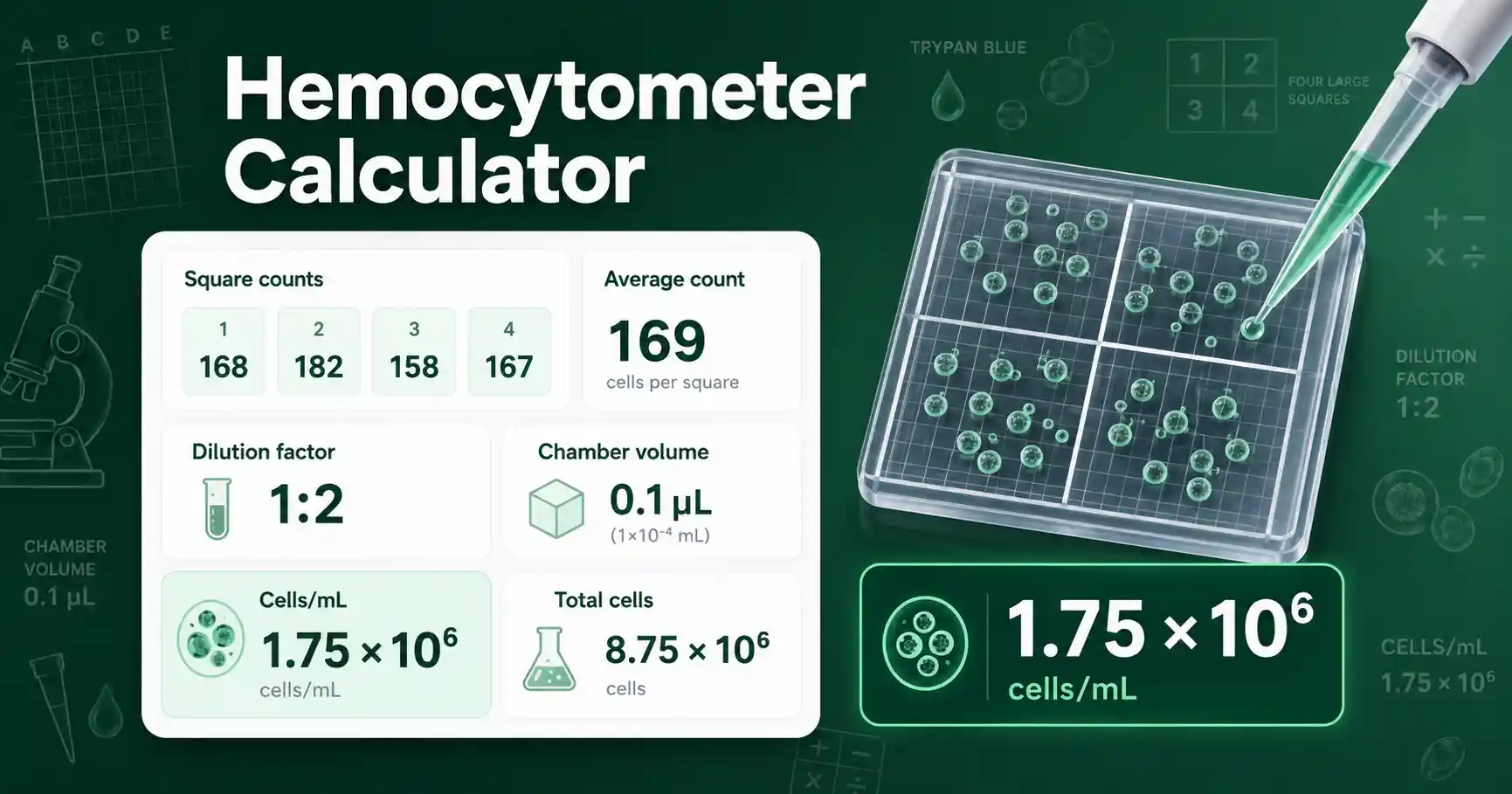
Hemocytometer Calculator for cell concentration
A hemocytometer converts a manual chamber count into an estimated cell concentration. The calculator uses the average number of cells counted in known chamber squares and turns that count into cells per milliliter. It is useful for cell culture classes, routine passage planning, seeding calculations, and lab reports that need a transparent concentration method. The result depends on the chamber geometry, the dilution factor, and how evenly the cell suspension was mixed before loading.
The most common calculation uses large hemocytometer squares with a depth of 0.1 mm and a square area of 1 mm². That gives a counted volume of 0.1 mm³, which equals 0.0001 mL. Because one milliliter contains 10,000 of those counted volumes, the standard shortcut is average count multiplied by dilution factor multiplied by 10,000. If your chamber or counted area differs, enter the correct counted square volume instead of the default value.
This tool works best when you count several replicate squares. Replicate counts help smooth out random counting variation. They also reveal whether the sample may have been mixed poorly. A set of counts such as 84, 91, 88, and 87 gives a more stable estimate than one square alone. For viability-specific live and dead counts, use the Cell Viability Calculator after counting stained and unstained cells.
How to use Hemocytometer Calculator correctly
Enter the number of cells counted in each counted square. You can paste values separated by commas, spaces, tabs, or new lines in Basic mode. Advanced mode gives separate input boxes for common replicate square counts. Use actual counted cells, not the average, unless you intentionally enter repeated values to represent your mean.
Enter the dilution factor used before loading the chamber. Use 1 when the sample was not diluted. Use 2 when one part sample was mixed with one equal part dye or diluent. Use 10 when one part sample was diluted into nine parts diluent. The calculator multiplies by this value to estimate the original cell concentration before dilution.
Keep the counted square volume at 0.0001 mL for a standard large square on a Neubauer-style hemocytometer. Change it only when your counted area or chamber depth is different. Enter total sample volume when you want total cells in the tube, flask suspension, or prepared sample. Leave sample volume blank when you only need cells/mL or cells/µL.
Hemocytometer Calculator formula and assumptions
The core formula is cells/mL = average count × dilution factor ÷ counted square volume in mL. With the standard large square volume of 0.0001 mL, this becomes cells/mL = average count × dilution factor × 10,000. The calculator also reports cells/µL by dividing cells/mL by 1,000.
Total cells are calculated as cells/mL × total sample volume in mL. This value describes the estimated number of cells in the entered suspension volume. It does not confirm whether cells are viable, attached, evenly dispersed, or free from clumps. For a practical next step, many users take the concentration result into a Cell Seeding Calculator to plan wells, plates, or flasks.
The calculation assumes the loaded chamber represents the original mixed suspension. It also assumes your boundary-counting rule stayed consistent across squares. Many teaching guides describe the same chamber-volume principle for manual cell counting, including Thermo Fisher's overview of counting cells in a hemocytometer. Always follow your local course, laboratory, or instrument instructions when they specify a different counting area.
Hemocytometer Calculator worked example
Given values: four large square counts are 84, 91, 88, and 87 cells. The dilution factor is 2 because the sample was mixed one-to-one with stain. The counted square volume is 0.0001 mL. The total suspension volume is 5 mL.
First calculate the average count. The average is (84 + 91 + 88 + 87) ÷ 4 = 87.5 cells per large square. Then apply the formula cells/mL = average count × dilution factor ÷ square volume. Substitution gives 87.5 × 2 ÷ 0.0001 = 1,750,000 cells/mL.
The result is 1.75 × 10⁶ cells/mL. Cells/µL equals 1,750 cells/µL. Total cells in 5 mL equals 1.75 × 10⁶ × 5 = 8.75 × 10⁶ cells. This is a reasonable concentration for many cell-culture planning calculations, but the exact usefulness depends on the cell type and the goal of the experiment.
Hemocytometer Calculator results explained
A high cells/mL result means the suspension is concentrated. You may need to dilute it before seeding wells or loading a plate. A low cells/mL result means you may need more starting suspension to reach a target number of cells. The total-cell result helps when you need to know whether the tube contains enough cells for several wells or replicate conditions.
The average count also matters. Very low square counts can produce noisy estimates because each additional counted cell changes the result by a large percentage. Very high square counts can be hard to count accurately because cells overlap or sit near grid lines. Replicate variation gives another clue. Similar square counts support a more reliable estimate, while widely scattered counts suggest uneven mixing, clumping, or loading problems.
Rounding should match the purpose. A student lab report may show scientific notation and a clear formula. A working lab note may show two or three significant figures. Reporting too many digits can imply false precision because manual chamber counts already include biological and counting variation.
Hemocytometer Calculator mistakes to avoid
Do not forget the dilution factor. A one-to-one trypan blue mixture usually doubles the calculated original concentration. Do not use the 10,000 chamber factor when you counted a different area or used a nonstandard chamber depth. Do not mix units by entering microliters as milliliters in the sample volume field.
Avoid counting only one square when the cell distribution is uneven. Count more squares when the replicate values vary widely. Mix the suspension gently but thoroughly before loading the chamber, because settled cells can make the first and last loaded samples different. Use a consistent boundary rule so cells touching grid lines are not double-counted or skipped inconsistently.
Do not treat the result as a clinical diagnosis or as a guarantee of growth. The calculator estimates concentration from visible counted objects. It does not identify cell type, contamination, viability, or functional activity. Verify critical lab calculations independently before using them in real experiments.
Hemocytometer Calculator use cases in lab work
Students can use the calculator to check manual cell-counting homework and show each step in a lab report. Teachers can use it to demonstrate how chamber volume, dilution factor, and average count combine into one concentration estimate. Lab workers can use it to plan a passage when they need a quick cells/mL estimate from a mixed suspension.
Researchers can use the result as an input for seeding density, transfection setup, or assay planning when a manual count is appropriate. The calculator also helps compare replicate counts across squares so a user can spot poor mixing before committing to a downstream calculation. It is especially useful when a worksheet asks for both cells/mL and total cells in a known volume.
Practical questions about hemocytometer counting
What volume factor does a standard hemocytometer use?
A standard large square is commonly treated as 0.0001 mL. That gives a conversion factor of 10,000 for cells/mL. Use the custom square-volume input if your counted chamber volume is different.
Should I include the dilution factor in hemocytometer calculations?
Yes. The dilution factor corrects the counted diluted sample back to the original suspension. If the sample was not diluted, enter 1.
Why do replicate hemocytometer counts differ?
Replicate counts differ because cells are not distributed perfectly evenly. Mixing, clumping, loading, and boundary decisions can all change the count. Large differences mean you should check the sample and count more squares.