
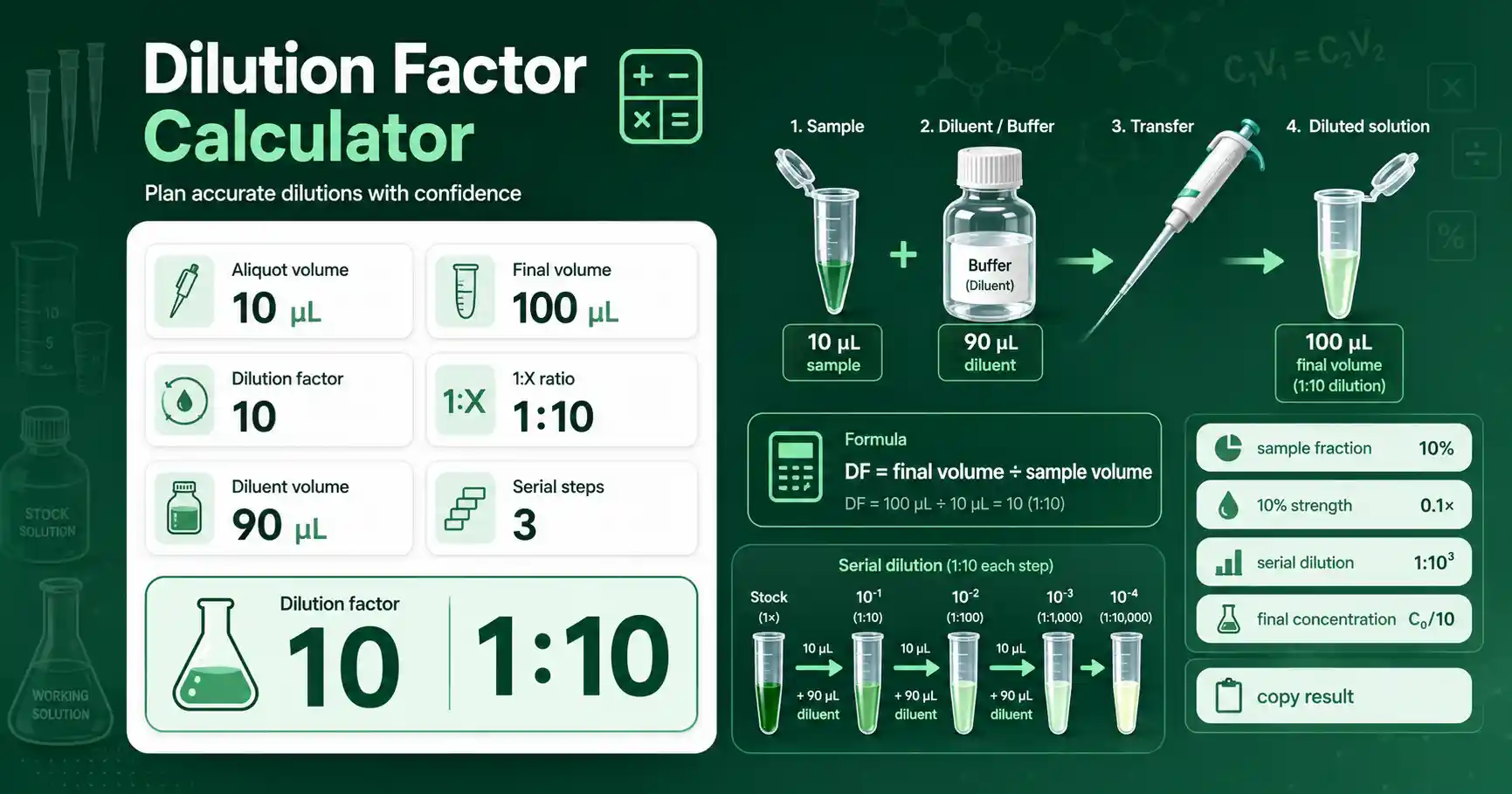
Dilution Factor Calculator formula explained
Dilution Factor Calculator helps you turn routine laboratory inputs into a clear result without scattered manual arithmetic.
The calculator is designed for students, teachers, wet-lab workers, and researchers who need a fast check before writing a protocol.
It keeps the tool at the top of the page, gives the formula near the result, and shows practical interpretation after the calculation.
The page uses short labels, large input fields, copy buttons, examples, and reset controls so it is easier to use on mobile and desktop screens.
Dilution Factor Calculator formula formula
Dilution factor = final volume ÷ sample volume. It also equals stock concentration ÷ final concentration when concentration units match.
The most common mistake is mixing units before the calculation.
Another common mistake is treating a screening estimate as a final experimental guarantee.
This tool avoids silent results when an input is empty, negative, zero, or outside a useful range.
Use the volume mode when you know how the tube was prepared. Use the concentration mode when you know stock and final concentrations.
Dilution Factor Calculator formula worked example
If 100 µL sample is brought to 1000 µL, the dilution factor is 10 and the sample fraction is 10%.
The result tells you what to pipette, what concentration to expect, or what sequence feature was found.
Use the copy result button when you want to transfer the calculation into a notebook, worksheet, or protocol draft.
Practical lab use
Students can use this page to understand the relationship between the input values and the final result.
Lab workers can use it as a quick pre-check before preparing tubes, buffers, standards, or sequence screens.
Researchers can use it to compare alternative setups before selecting the final experimental design.
The calculator is intentionally conservative in its warnings because real samples, instruments, and protocols add context that a browser tool cannot fully know.
Always compare the output with your reagent label, supplier instructions, and local lab protocol.
Questions users often ask
Can I use this result directly in the lab?
Use it as a planning calculation, then independently verify critical values before real experiments.
Why does the calculator reject some inputs?
Values such as zero volume, negative concentration, invalid sequence characters, or impossible dilution conditions would create misleading results.
Does the result replace protocol optimization?
No. It helps avoid arithmetic mistakes, but protocol performance still depends on sample quality, reagent behavior, and assay conditions.
For background reading, see the OpenStax concentration of solutions.